Capture, Edit, and Share Screenshots Instantly
Save what's on your screen and customize it in seconds. Add text, crop, draw, and apply effects without switching apps – everything you need in one simple tool.
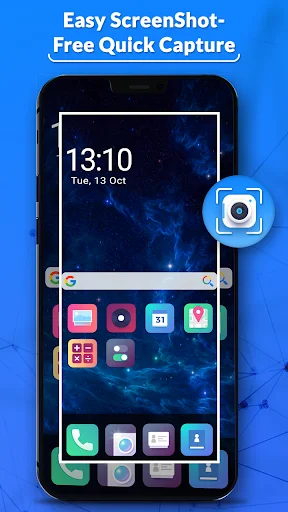
Take screenshots quickly with easy tap controls or shake your phone for hands-free capture. No more fumbling with button combinations – save what you see in an instant.
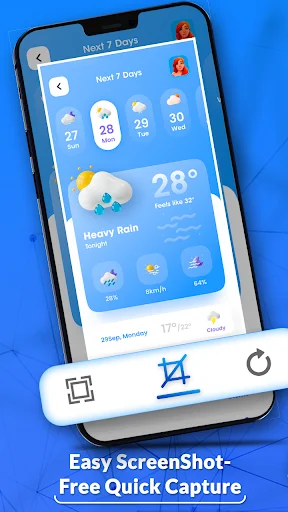
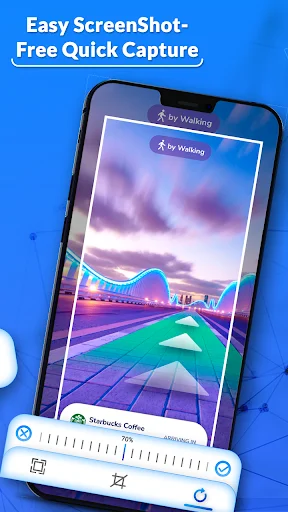
Crop unwanted areas, add text labels, draw attention to important details, and apply filters – all immediately after capturing. No need to open a separate editing app.
Choose custom save locations so your screenshots are always where you need them. Find your captures quickly in the app's gallery or your device storage whenever you need them again.
Create polished, professional-looking screenshots with annotations and effects that clearly communicate your message. Your captures will be ready to share the moment you finish editing.
Screenshot Easy Capture gives you a quick way to save what is displayed on your phone and customize the result immediately afterward. Capture useful information, conversations, app pages, instructions, or anything else you want to keep as an image.
Shot Screen: Image Capture makes the process simple with convenient controls and editing tools. Quick Screenshot JPG also lets you crop, decorate, save, and share finished captures without a complicated workflow.
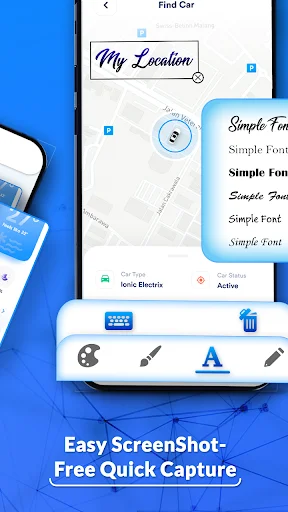
Shot Screen: Image Capture is useful when a plain snapshot needs extra context. Add text, underline something important, draw attention to a specific area, or crop away parts you do not need.
Quick Screenshot JPG keeps editing approachable even when you only need a small adjustment.
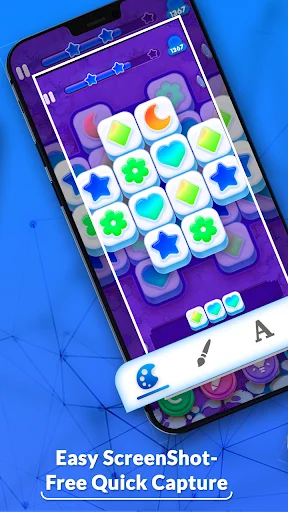
Screenshot Easy Capture includes practical tools for making saved images more useful. Write text directly onto the picture, draw with different pen options, highlight an area, or add simple markings before storing your work.
Shot Screen: Image Capture lets you clean up an image before keeping it. Crop unwanted sections, adjust the visual style with available effects, and focus attention on the part that matters most. You can make a small correction without opening a separate photo editor.
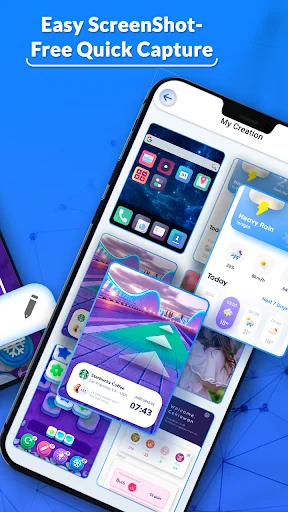
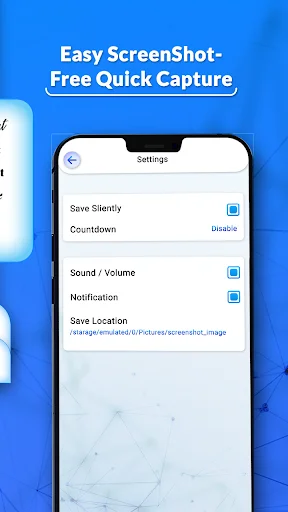
Quick Screenshot JPG keeps completed images available through the app's creations area and your device gallery. Change the preferred save location from settings when you want captures stored in a specific folder. This makes older creations easier to find when you need them again.
Choose whether notification sounds are enabled, use a countdown when you need a moment before capturing, and try shake-based activation when supported. These options let you adjust the experience to match how you normally use your phone.
Capture information, personalize it with simple editing tools, and save the result directly to your device. With annotations, filters, cropping, flexible settings, gallery access, and easy sharing, everyday screen capture stays quick and convenient.
This app helped me to take my notes all at one time and it has good features
Just what I've been looking for. Works well. Tnx to the development team.
Pretty good stuff. Easy and needed when my phone wouldn't do screenshots
Highly effective online sharing images.
easy to send pic to one another
can show on top of this screen