Watch Everything on Your Big Screen
Mirror your phone to any TV in seconds and enjoy movies, games, music, and photos with your family on a screen that does them justice.
No technical skills needed. Our simple setup guide walks you through each step, so you can start casting your favorite content to your TV in moments, not hours.
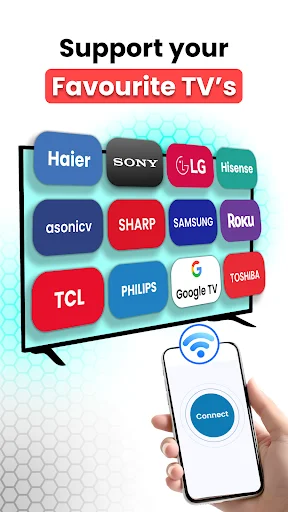
Whether you have a Roku, Chromecast, smart TV, or even want to cast to your PC, this app connects seamlessly. One solution for all your screens means no more juggling multiple apps.
Stream unlimited movies, shows, and videos in stunning HD quality without interruptions. Experience smooth, wireless display that makes every moment look amazing on the big screen.
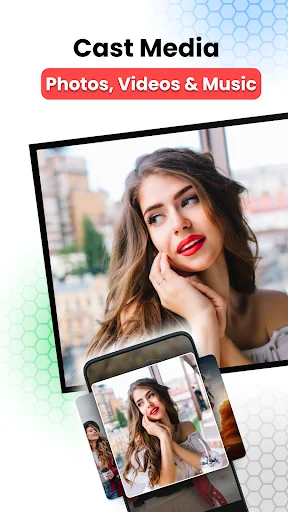
From gaming sessions to family photo slideshows, from music playlists to movie nights – cast anything from your phone. Turn any moment into a shared experience everyone can enjoy together.
Screen Mirroring - Miracast TV for Android lets you effortlessly cast your phone screen to your TV, offering a smooth and easy way to enjoy your content on a larger display.
Cast your phone to your TV and enjoy movies, music, games, and photos on a bigger screen.
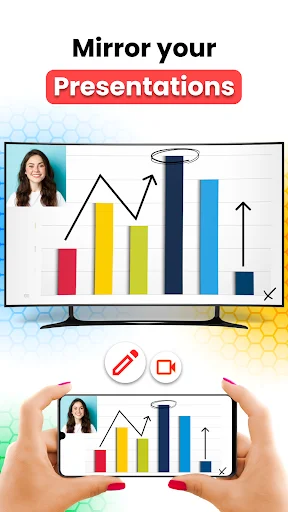
Effortlessly mirror screen of your phone to smart TV's Wi-Fi display. Enjoy movies, games, and shows on a large screen with your family, and experience the comfort of a bigger view.
Mirror your Android phone to any smart TV effortlessly. Connect phone to TV or casting device and enjoy screen sharing with ease.
Stream your favorite shows and movies from your Android device to your TV without limitations. Enjoy wireless display and HD quality streaming.
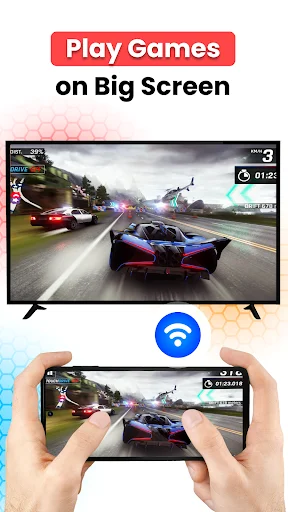
Enhance your mobile gaming by screen casting to your PC. Experience stunning visuals and immersive gameplay by screen share on a larger screen.
For assistance with cast to PC - Cast to TV, contact us at appsdevtechteam@gmail.com.
It's an amazing app over all ...it kinda complicated to get to work at first ,but that's probably because I skipped the tutorial 😅. But once you get the hang of it it's pretty easy and fun to use ;)
The premium version is great. I bought the monthly plan and got a 3-day free trial. I searched the whole Play Store and finally found this app. I totally recommend it
good experience for screen mirroring, recommended for everyone
Fiiinaaallyyyy an app that works thank god i love it
excellent app with fast customer Support
Very good app for casting fastly