Turn Typed Text Into Beautiful Handwriting
Create handwritten-style notes, letters, and documents in seconds. Choose your writing style, customize the look, and export professional results without touching a pen.
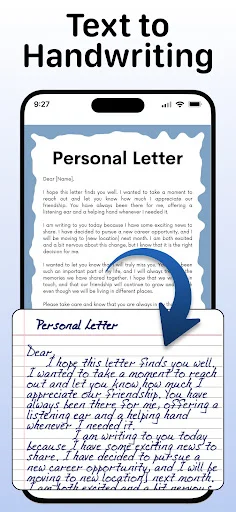
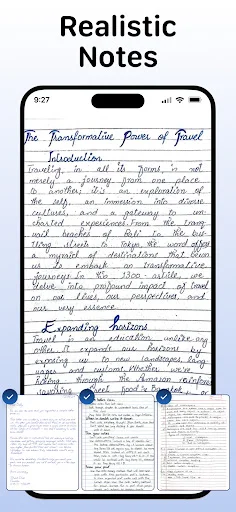
Type or paste your text and watch it transform into authentic-looking handwritten pages. Perfect for students creating study notes, anyone writing personal letters, or anyone who needs handwritten-style documents without the time and effort of writing by hand.
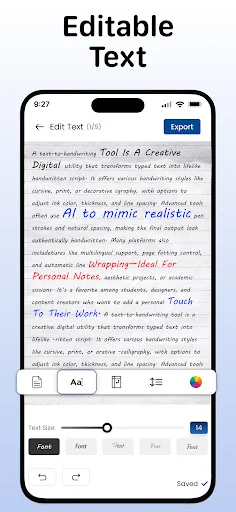
Pick from multiple handwriting styles including cursive, choose your ink color and thickness, and select from ruled, plain, graph, or notepad paper backgrounds. Customize every detail to match your project – whether it's formal notes or creative personal messages.
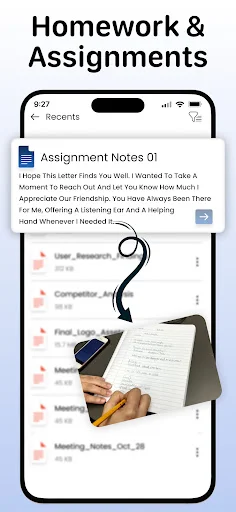
Extract text from images of printed or handwritten documents using built-in OCR technology. Review and correct the recognized text before converting it back to handwriting, making it easy to digitize and recreate your existing notes.
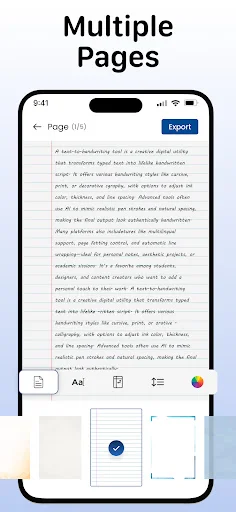
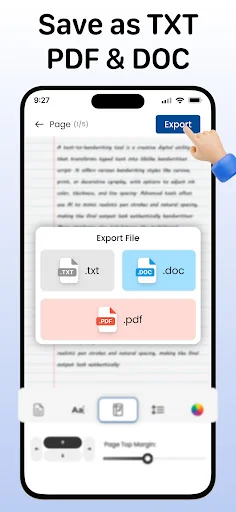
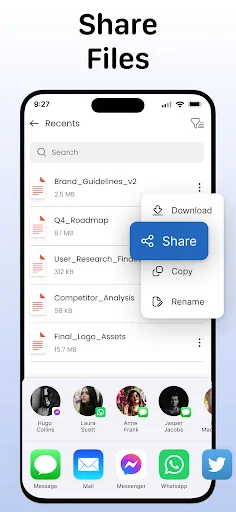
Preview your handwritten pages before saving, then export as PDF or image files in your preferred format. Automatic line wrapping and page breaks handle longer documents, giving you professional results ready to share, print, or submit.
Turn typed words into digitally generated handwritten pages. Choose a writing style, adjust the paper and ink, then review the result before saving it as a PDF or image. Create study notes, letters and creative pages without rewriting every line by hand.
Use OCR Handwriting Text Converter to extract words from an image of a printed or handwritten document. Check the recognized text before turning it into a new page, since image quality and handwriting clarity can affect recognition.
A letter, a study summary and a journal page can each call for a different look. This Handwriting App lets you combine a writing style with a paper background rather than use the same appearance for every project.
Explore Cursive Writing Maker when you want connected lettering, or choose a different available style for the page. Adjust the ink and preview the layout to see whether the result suits your text. Digitally generated lettering is a design choice, not a copy of your own handwriting.
Ruled paper can suit organized notes, while plain or graph paper offers a different presentation. Pick from the supplied backgrounds and review how the text sits on the page before choosing a final version.
Use Handwriting Font Text Maker to experiment with the available colors and thickness settings. A restrained combination can keep a long page readable, while a different style may suit a short personal message.
Scanned notes may contain unclear letters or uneven lighting. Read the extracted text carefully and correct errors before conversion. Recognition results can vary, so a preview should not replace checking the actual words.
Cursive Writing Maker gives your typed text a handwritten appearance without promising to reproduce natural pen movements. The app supports multiple languages, but check the selected style and final page for the language you use.
Automatic wrapping and page breaks help arrange longer content. Review the exported layout as well as the preview, especially when a document has several pages.
Return to the Handwriting App for your next letter or study page. Use Handwriting Font Text Maker to choose a look that fits the words you want to share.
Disclaimer: Converted handwriting is digitally generated and may not perfectly reflect natural writing styles.
best app thanks developer
It's really fantastic
very useful