All Your Email In One Place
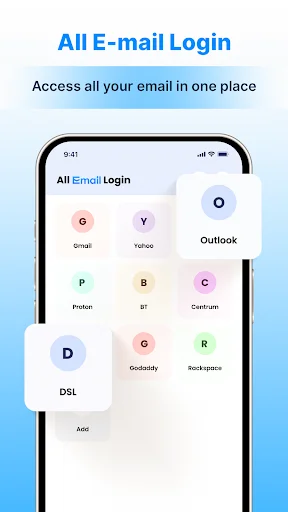
Stop switching between apps to check your messages. All Email Login brings your personal and work email accounts together in one simple interface, so you can stay organized and respond faster.
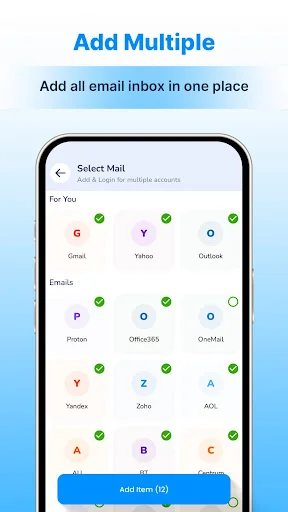
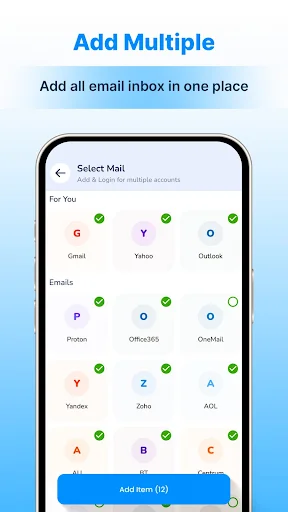
Add all your email accounts to one app and access them without switching. Check Gmail, Outlook, Yahoo, and other services from a single interface that keeps everything within reach.
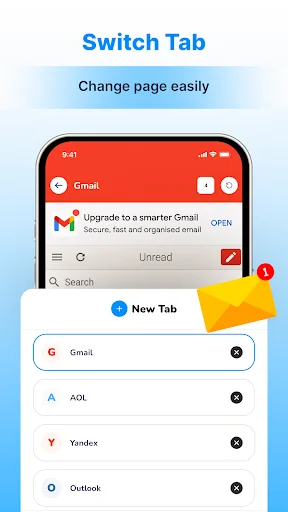
Move between personal and work accounts with simple tabs. Keep each conversation in its proper context while organizing your day around one unified email routine instead of many separate tasks.
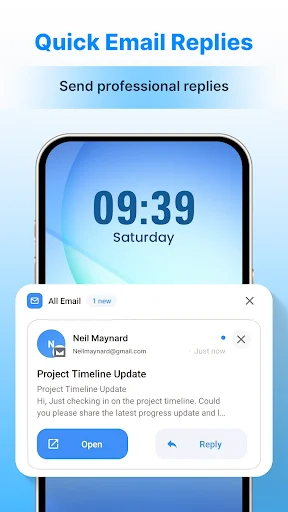
Save time with helpful reply suggestions and email templates for common messages. Read the full message, customize any template to fit your needs, and send responses faster than ever.
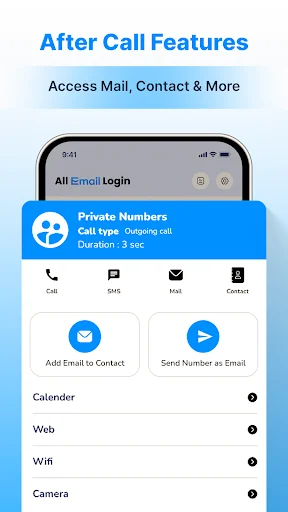
Jump straight to your email after phone conversations with the after-call menu. When a call reminds you to send or check a message, access your accounts immediately without extra steps.
Bring personal and work accounts into one place to check messages without moving between separate apps. Access Mail All helps you reach supported web-based email services from your phone.
An All Inbox App can make daily correspondence easier to organize. Use One Email App to move between your accounts while keeping each conversation in its proper context.
With All Email Login, checking several accounts can become one part of your day rather than several separate tasks. Access Mail All keeps access points together so you can choose the account you need before handling a message.
Use an All Inbox App to organize how you check correspondence, whether you are following up on work or keeping in touch with family. One Email App lets you switch tabs as your focus changes, without suggesting that every provider has identical tools.
All Email Login brings account access into a shared interface. Choose the right account before replying so the message stays in the intended conversation.
Access Mail All supports a routine built around your own accounts. The All Inbox App approach keeps mail access together while available actions depend on the web-based service you open.
Use One Email App to access reply suggestions for everyday communication. Read the full message and edit any template to suit the recipient before sending it.
All Email Access App includes an after-call entry point to your mail. Use it when a conversation leaves you with an email to read or answer.
All Email Accounts In One offers a common starting point for your supported services. Availability and sign-in requirements depend on each provider; access to web-based platforms requires a network connection.
All product names, logos, brands, trademarks, and registered trademarks, which are not owned by us, are the property of their respective owners. All company, product, and service names used in this app are for identification purposes only. Use of these names, trademarks, and brands does not imply endorsement. This app is owned by us and we are not affiliated, associated, authorized, endorsed by, or in any way officially connected with any third-parties or official brands.
I didn’t realize how much space I was wasting with separate email apps until I installed this one. Now all my accounts work in a single place, and the app runs smoothly without draining my battery. It’s efficient, easy to use, and the after-call menu is surprisingly helpful. I’m keeping this as my main email app from now on.
this has been the best of all mail app I've ever used and I also appreciate how light it is on my phone cuz it doesn't occupy much space and it's so much easy to understand 😊.
This app really helps me stay organized. I have three email accounts and now I can see everything in one inbox. Way easier than switching between apps
I like that I can check Gmail and Outlook from the same place. It’s lightweight and doesn’t slow my phone. Simple and clean interface.
It was neat and easy to use. I was surprised at how smooth it ran even when I added multiple accounts
So super convenient for managing all my emails together