Capture Every Idea in One Place
Write notes, record voice memos, and build to-do lists all in one simple app. Keep your thoughts organized with categories, colors, and a home screen widget that puts important information right at your fingertips.
Record voice notes when typing isn't convenient. Capture ideas while driving, cooking, or on the go – even without an internet connection. Save time and never lose a thought again.
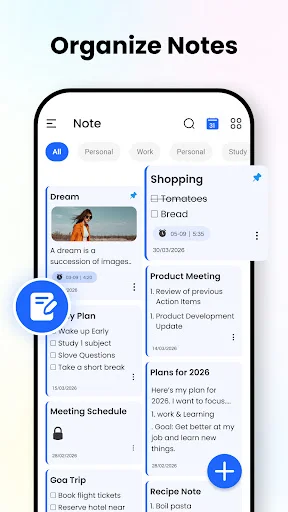
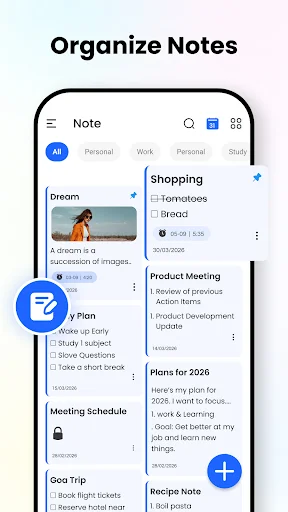
Organize notes with colors, categories, and pins to keep related items together. Search by keyword to find old entries in seconds, or pin important notes so they always stay visible at the top.
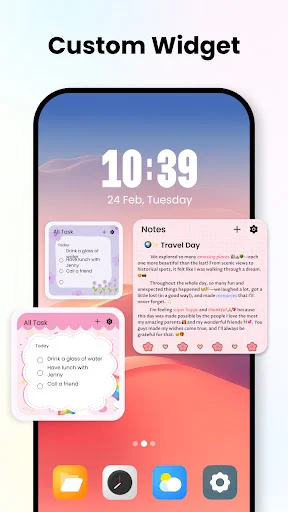
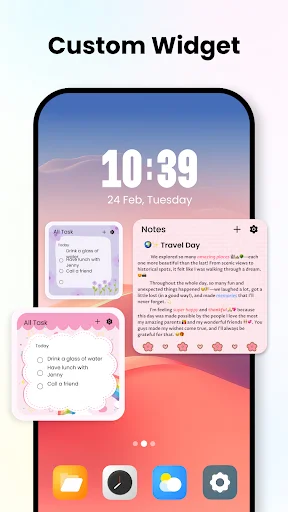
Add a sticky note widget to your home screen for instant access to key information. No need to open the app – your most important notes are right there when you unlock your phone.
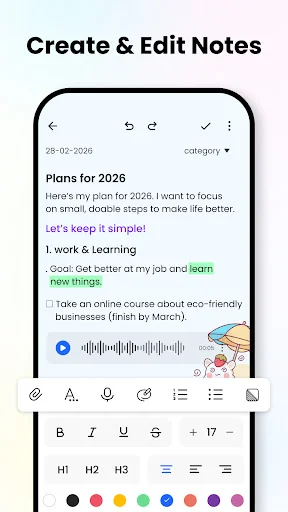
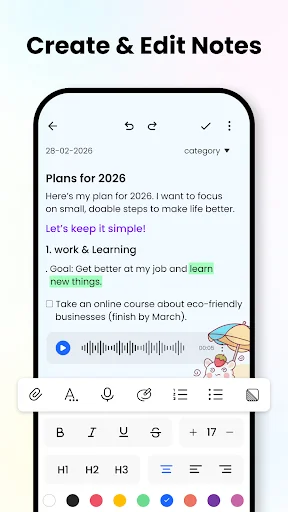
Attach photos, videos, and files to keep all project details in one place. Create checklists for tasks, format text with bold and highlighting, or choose from ready-made templates to get started quickly.
Write down an idea, build a checklist or plan the tasks ahead in one place. Voice Notes & Planner lets you record a thought when you would rather speak than type. Use Sticky Notes Widget to keep notes on your home screen and return to the details you want close at hand.
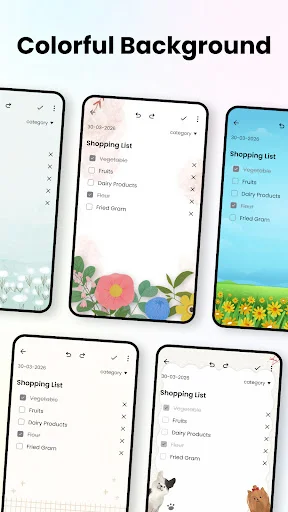
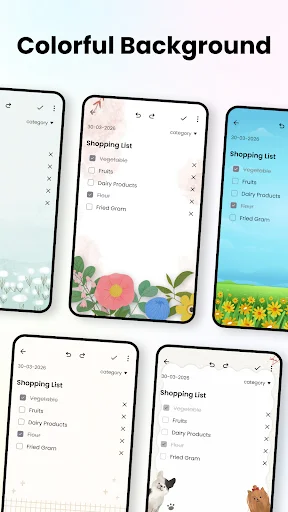
Color Note Taking App offers backgrounds to help you personalize the way your notes look. Group work, personal plans and other topics into categories with Writing Notes & Organizer. Whether you are preparing a project or using School Notes: List Maker for study tasks, you can keep related details together instead of starting a new search each time.
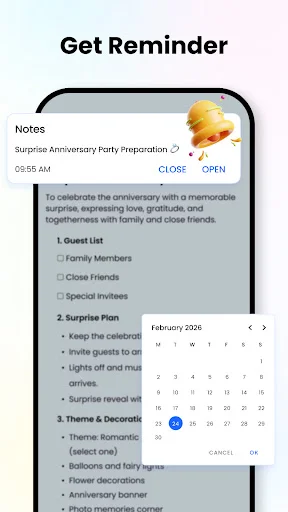
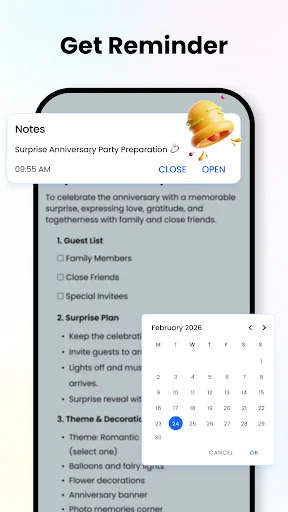
Check List Notebook gives you a place for daily tasks, shopping lists and project steps. Set reminders for things you want to revisit, then keep your list nearby as the day moves on. Start from a ready-made template in Create Notes App when you want a structure for a new entry. Note Book For Android can also hold personal notes and journal entries alongside your practical plans.
Use bold, italic, underline and highlighting to give key points a different appearance. Color Note Taking App helps you make notes feel more personal while keeping the information in one place. Search for a keyword when you need an older entry, or pin something important so it stays visible among your notes.
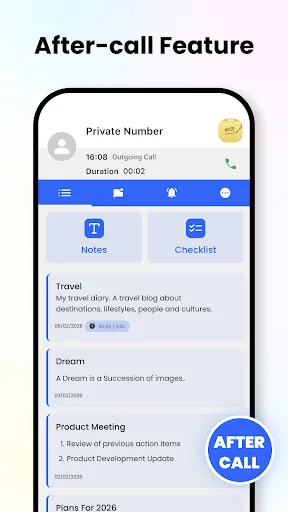
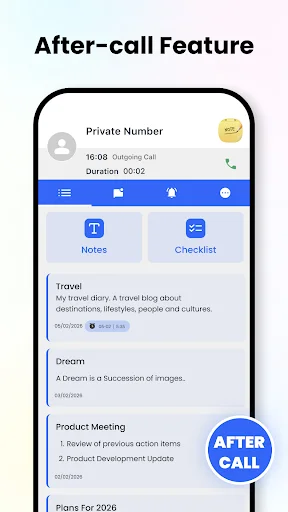
Capture spoken ideas with Voice Notes & Planner and attach supporting photos, videos or other files to a note. Keep a project reference beside the words it belongs with. After-call notes let you create an entry when a call ends, so you can write down a detail or follow-up task while it is still fresh.
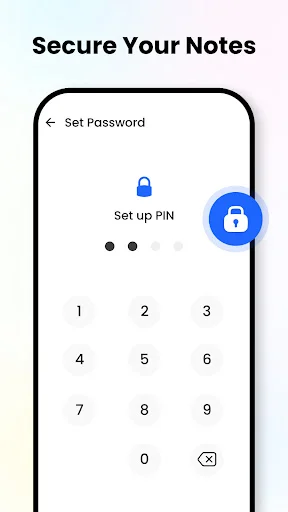
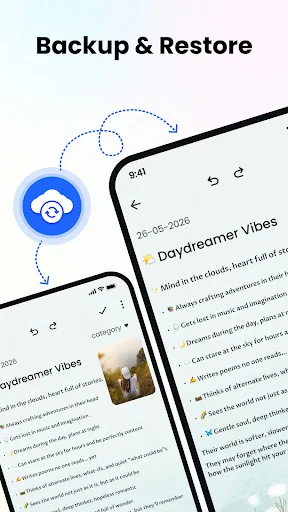
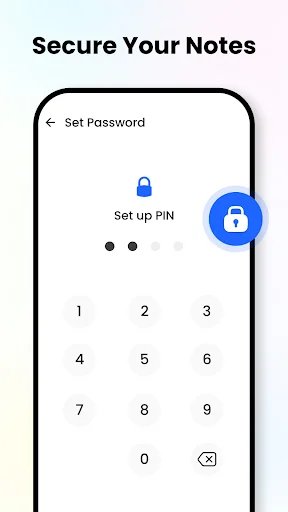
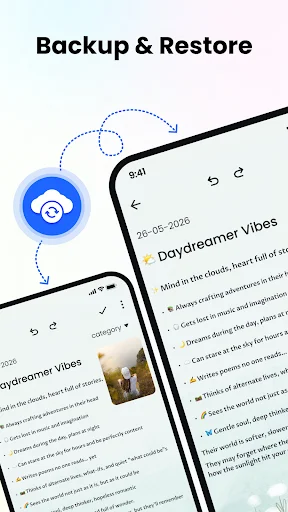
Writing Notes & Organizer includes archiving for older notes you want to hide without deleting. You can also back up notes and restore them later. Use the password-lock feature for private entries, choosing which notes to protect without making them part of your everyday browsing. Keep study checklists in School Notes: List Maker or separate them from personal plans using categories.
Open Notes: Notepad & To Do List and start with one idea, a short list or a reminder. Add the details you need, organize the entry and return to it when it is time to act.
This application deserves my 5 stars rating. Its note taking ability is second to known. To crown it all, the voice to text feature is quite amazing even without internet facility. Advert is very minimal.
Excellent! I can export my notes in txt files to save them properly.
lots of options , very useful works great
quick and easy backup and restore
user friendly, lots of space
Very good no other words to describe GUYS amazing even works with no Wi-Fi PERFECT