Watch Everything on Your Big Screen
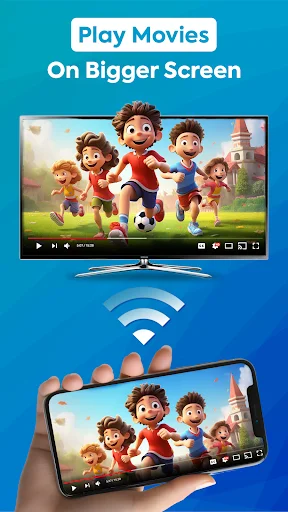
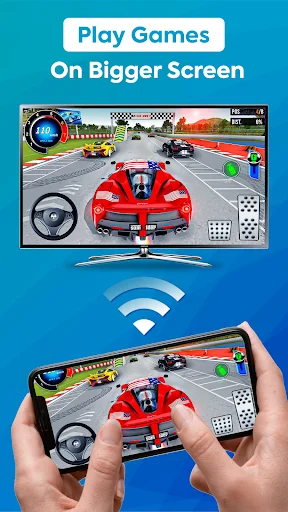
Wirelessly mirror your phone to any smart TV in seconds. Enjoy movies, photos, games, and videos on the big screen with your family – no complicated setup required.
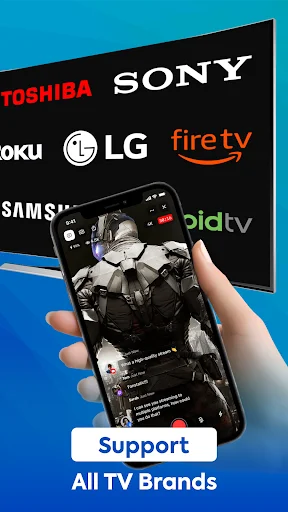
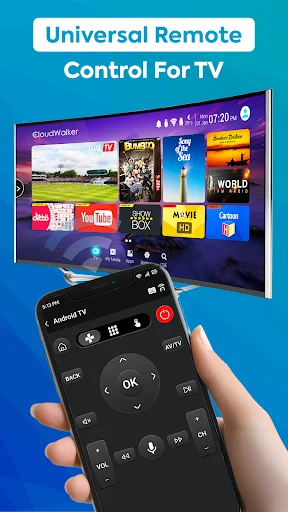
Compatible with all major smart TV brands including Samsung, LG, Sony, Hisense, and more. No need to buy different apps for different TVs – one simple solution works everywhere.
Just connect your phone and TV to the same WiFi network, tap once, and start mirroring. No technical knowledge needed – if you can use your phone, you can use this app.
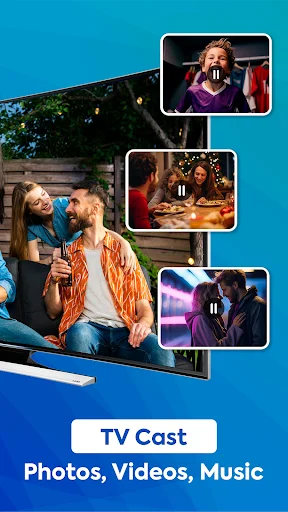
Stream all your content to the big screen – movies, family photos, mobile games, music, videos, and documents. Everything on your phone looks amazing on your TV.
Enjoy real-time streaming with no lag or delays, while our secure connection keeps your personal data, files, and applications protected at all times.
The screen mirroring for all TV allows you to mirror your smartphone screen on your smart TV in high quality. By using our screen mirroring app, you can easily access all your games, photos, videos, and other applications on a big TV screen.
If you feel uncomfortable watching a movie on your small android phone screen alone, you can download screen mirroring app and enjoy watching movies on your smart TV cast screen. With the miracast for android to TV screen mirroring feature, you can share content with your friends and family using the smart view app for samsung TV on a big TV screen.
This screen mirroring app compatible with most smart TVs that support Miracast / wireless display, and other android operating systems. When watching movies on LG and Hisense smart TVs, screen sharing makes it possible to get a better video experience from anywhere, as well as play mobile games on a bigger smart TV screen with cast to tv.
To use the smart view screen mirroring for all TV app, connect your android phone to your smart TV cast with the screen sharing app for the android phone. Your smart TV should support a wireless display for using screen mirroring for all TV. Your smart TV must also be connected to the same wireless network with which your smartphone is connected for screen mirroring app.
The TV screen mirroring app allows you to connect your phone or tab and your TV easily. It provides you with a secure connection to protect your data, files, and applications. With this screen share mobile to TV cast app, you can stream to TV from a phone with ease. It helps you instantly stream movies, music, and photos to your TV! This is one of the greatest anyview cast and screen mirroring app for android users.
The features of the tv screen mirroring app for android include simple and quick connection with just a click, All media on your phone screen can be mirrored videos, photos, audio, documents, etc. and the ability to play mobile games and many more on your big TV screen. You can also enjoy the best experience of watching videos and movies.
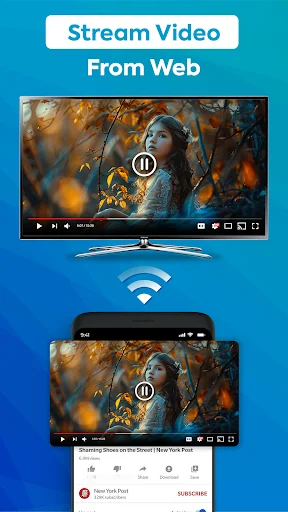
The cast to TV screen mirroring app is the most capable mirror technology for screen mirroring for TV in real-time speed. You can stream your favorite movies and anyview cast Hisense smart TV, Sharp TV, and cast smart TV with your best family moments. You can stream to the TV from a phone.
If you are searching for a stable screen mirroring for TV casting your smartphone screen into your big TV screen, this screen mirroring for all TV and cast to TV app can do the work to smart view your smartphone on your smart TV.
Disclaimer: This app is not affiliated with or endorsed by Samsung, LG, Sony, Roku, Philips, Hisense, Chromecast, or any other brand mentioned. All trademarks belong to their respective owners.
screen mirroring for all tv app is great and amazing app this app allows you to mirror your smartphone screen on your smart TV in high quality. By using our screen mirroring app, you can easily access all your games, photos, videos, and other applications on a big TV screen +
My experience with the app Is l am able to not only screen mirror but hear the sound also to the movies that I'm watching.
Very fun and very good application, believe me you will like it the most
Just a great app. An its simple to work. Great job
Satisfactory. Great to watch family videos.
It worked great!!! Love it!!!