Capture Your Screen with One Tap
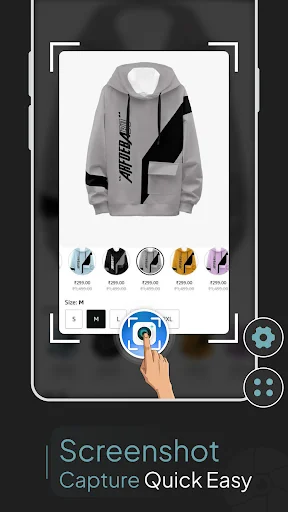
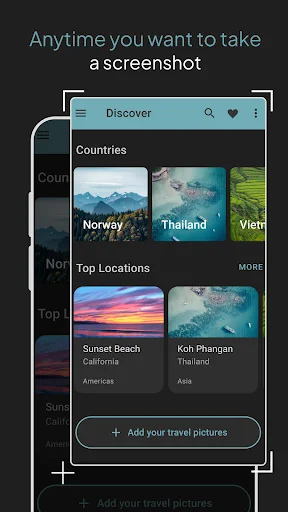
Take screenshots and record your screen instantly with a floating button that's always ready. No complicated button combinations – just tap and capture from any app or game.
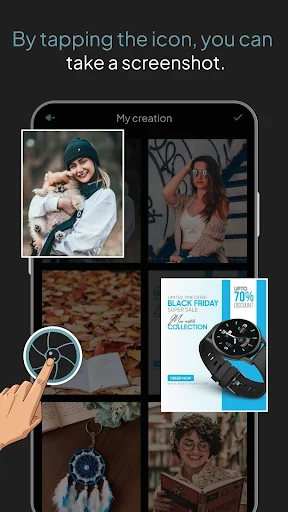
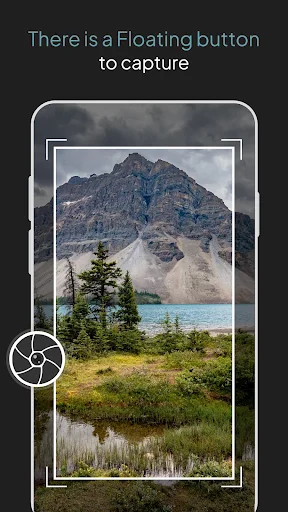
A floating button stays on top of any app, giving you instant access to screenshots whenever you need them. Never miss a moment because you couldn't find the screenshot tool fast enough.
Tap the floating button or simply shake your phone to grab a screenshot. Choose the method that works best for you in any situation, whether gaming, browsing, or working.
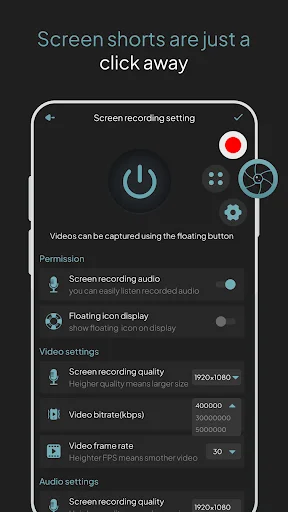
Get both screenshot and video recording capabilities in one simple app. Capture still images or record full videos with audio – no need to switch between multiple tools.
Edit your captures right away and share them with friends or colleagues in seconds. From capture to sharing, everything happens seamlessly within the app.
Enables you to effortlessly capture screenshots on your tablet, phone, or any other Android device! The screen capture enables you to make a video which you can easily share with anybody.
There is a Button Overlay on screen to capture screen that is displayed on top of any activity. Do one touch to button on the screen and take the screenshot. Capture your screen in various apps including games, wallpapers, or any other type of application or video. Floating button/gadget always remain on the top of the screen to capture screenshots quickly at any time. Edit the captured image and easily share it with friends or on any sharing platform.
Capture and share your screen seamlessly with Screenshot Capture Quick Easy! Effortlessly snap screenshots, record videos, and share them instantly, anytime, anywhere.
Finally an easy way to take pictures
It copies screen easily enough
Good 👍 app for office use
Makes it easy to use.
great assistance.
Great. Helpful